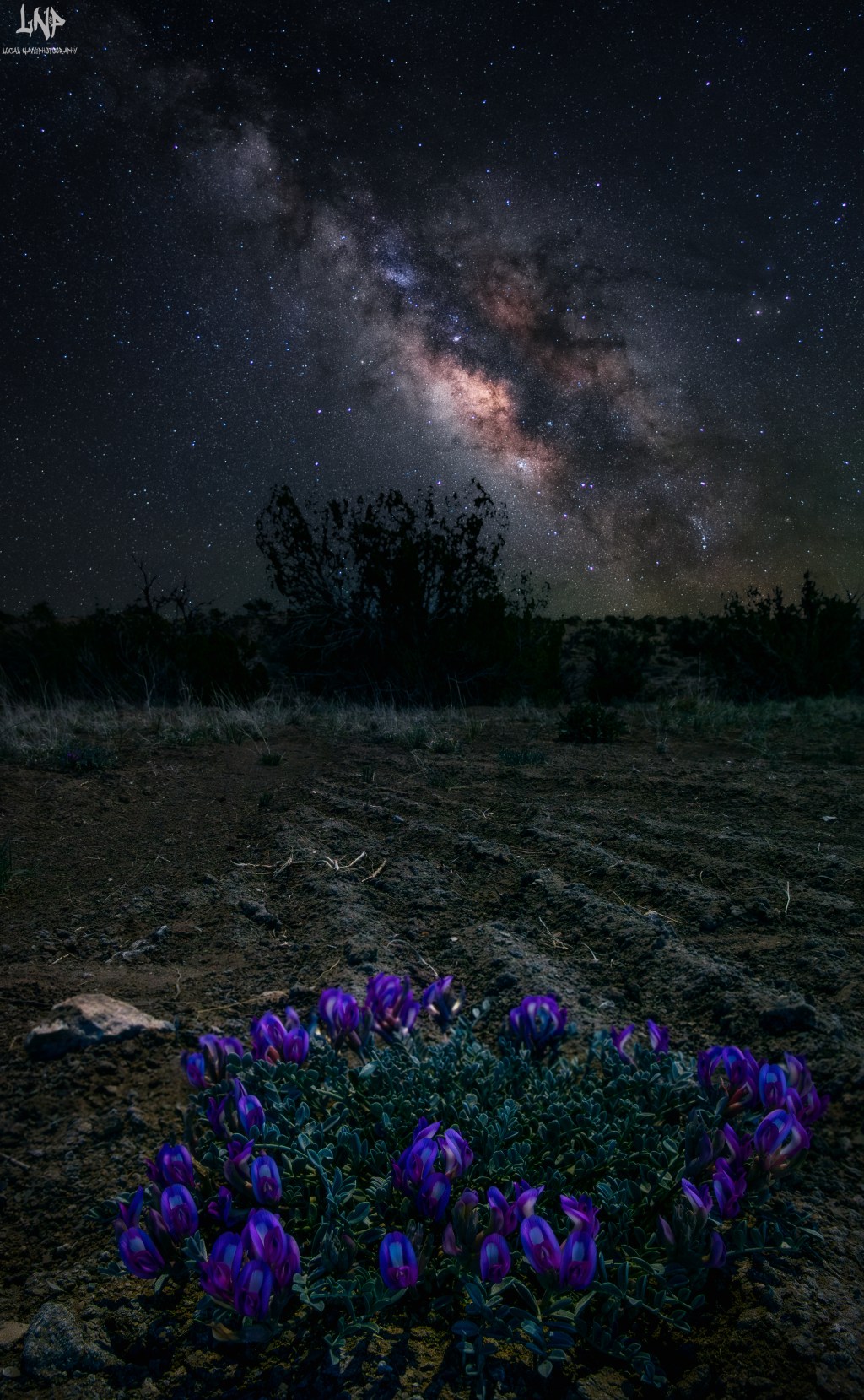
Hello and how the hell are you? If this is your first time here thanks for stopping by. In this Blog we are going to talk about what is the best tool for getting a clean sky in your Milky Way images. I have been shooting the night skies for the last five years and I have tested so many different ways to get the sky clean and free of noise. I have used On1 camera RAW to denoise them and while it works for other images when shooting at higher iso’s there was too many artifacts in the finished images. Then I also use the tried and true stacking of the images to average out the noise. Well Lightroom came out with a new feature called AI denoise for usage within one program.
At this point I was so happy to see this because it meant that I was only needing to use one program to get a clean night sky with one shot right. I tried and tried to use this feature and I was just not happy with how the images turned out. Yes the noise levels were better and more usable if you are just posting to the web. For printing the process is not going to work. The images look way too soft to me with the amount of noise reduction being applied to them. Then there is the lines that it creates on the photo itself. The amount of noise reduction that I applied was only about 65 percent so I was working the image rather hard.


The issue that I found was it really just made my image look better and worse than just stacking the images together. I loved how much more contrast there was in the finished images but the overall look of the image I was not happy with. I would actually say that it is better for the quick posting of the photos but it falls short of being able to print them on the larger scale. Now I also used it for an Aurora image that I took and man it worked great and I think that is due to the fact that there was clouds in the photo so that meant that there were no lines in the images. From the amount of stars that were in the photo compared to a clear sky at night.


I do love this new tool that is offered to us that shoot in low light and are using a crop body for our shots. I mean there truly is no need to go out and buy a full frame camera as the images look so good now with the AI denoise feature. The wildlife shots that I am taking now really could be enhanced so much more with the denoise feature. The fact that if you underexpose the shot and you have to pull up the shadows the noise levels after using the AI denoise is going to be game changing for us. The only spot that it falls short is in the night skies with no clouds from what I am seeing. With all that being said I am so happy to have this feature for all my other types of shots that will totally be enhanced with using it.
As for just using it for a one click fix on a night sky I would say no its not worth trying to use it for your Milky Way shots. Throughout the post you have seen just how picky I am about how my night skies look for the finished images that I post. You see I try and get my images ready for printing right out the gate. I want the best skies that I can get for the Milky Way shots that I take. Seeing the lines in the images I was shocked and left shaking my head because I truly wanted this to work as it would have sped up the workflow allowing me to spend less time editing my images. If the end result is not going to e at the bar that I have set then I am not going to use it.
 LocalNavy433 Photography
Leave a comment