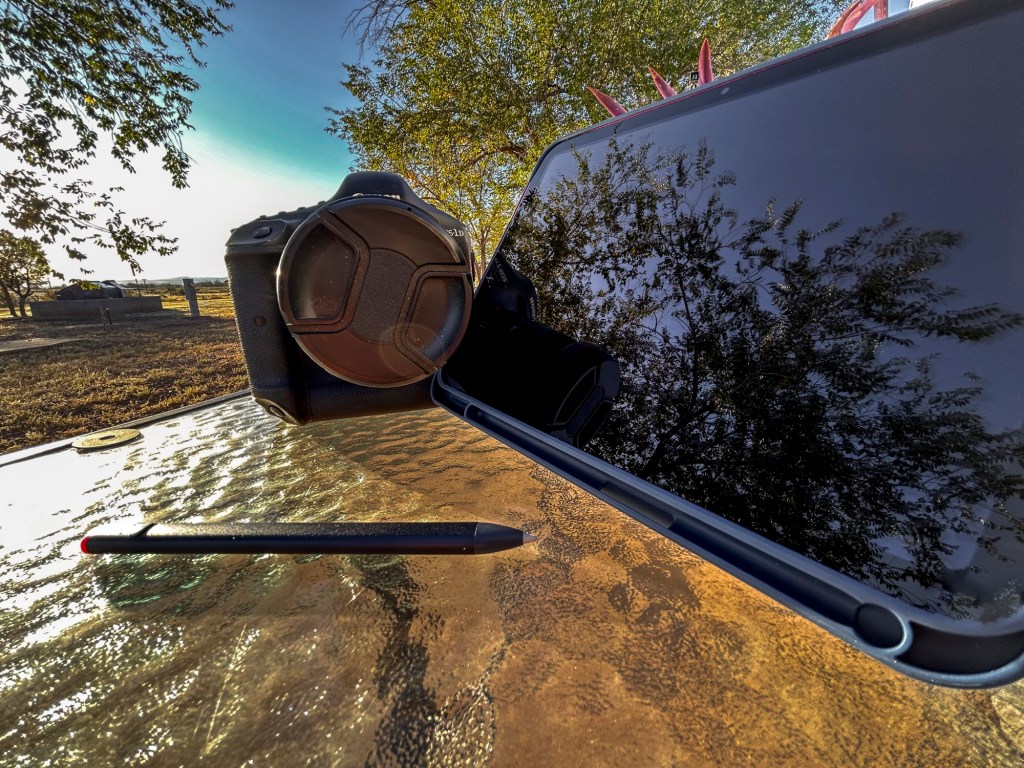
Hello and how the hell are you? If this is your first time here thanks for stopping by. in this blog we are going to go over how the 10th generation iPad is the perfect tool for you as a beginner photographer. There is always a thought that you have to buy this or that in order to really get work done. This rings so true when you are needing a computer for editing your images. The cost is the main factor that stops most people.

Let’s face it in order to really get started in photography you are going to be needing around 1500 dollars just to get started. Now if you do this right you can get the camera body a few lenses and now a great computer that will allow you to start out on the right foot. The iPad 10 is one of the cheapest computers that you can buy to get you started. The act of being able to just edit the images on the go is money well spent if you ask me. As of the time of this writing the iPad 10th gen with 64GB of storage WiFi only is only going to cost you $350 USD. Which is the same price as a good google chrome book.
This base iPad isn’t going to be powerful enough for editing images that are heavy in layers or is heavy in image resolution. This means that you will be able to really get started with the basic editing that you will be doing. There is three apps that you are going to need for you to truly take advantage of of the iPad in general. You will only need two of those apps to get you started. The cost of the two apps is $140 dollars but then they are yours and you will have them for life so that is a good thing. The first app is Photomator which is going to be your Lightroom replacement and gives you all the features of Lightroom classic on the desktop. Then you will also need to buy Affinity Photo 2 which will give you a darn near full out photoshop experience on a iPad.

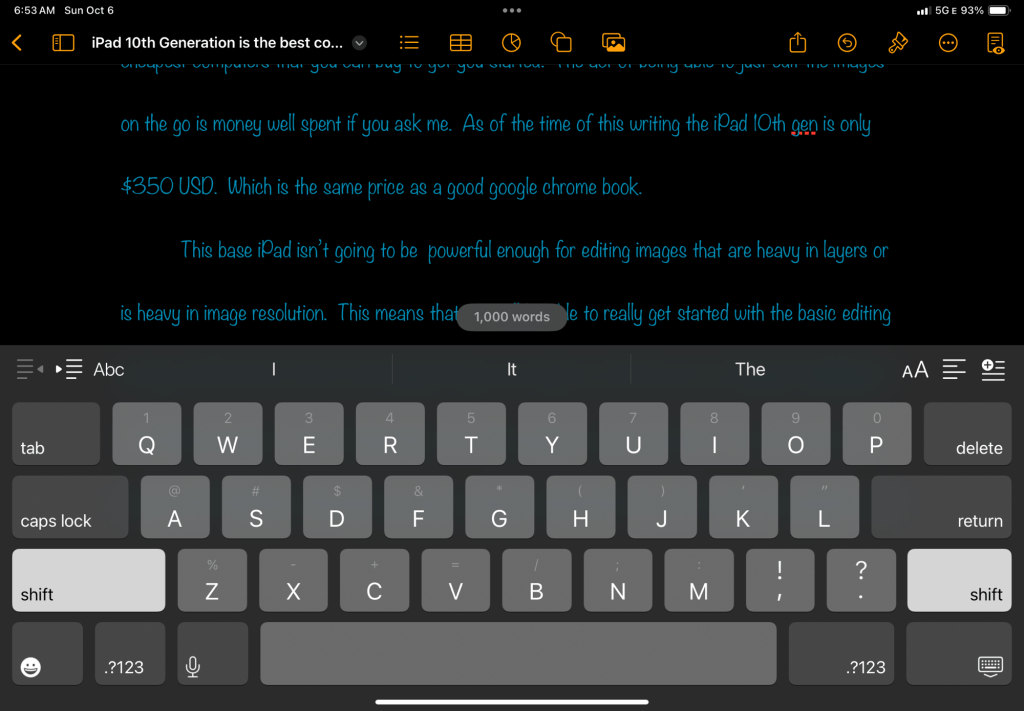
The act of editing on the iPad gives you a more immersive experience when really diving into the editing. The act of masking is so much more fun when you are using the Apple Pencil or a pencil that is just like the Apple Pencil. I have the Logitech crayon which is so cool and it works just fine with my iPad. I know that this all sounds like a bed of roses and I would be lying to you if I told you that it was truly the best tool for the job. The fact is you are not going to truly be happy with the iPad if you don’t buy a keyboard for the typing that you may end up doing. If you are not going to be typing a lot then the cost is not that expensive. I for one don’t use a physical keyboard because of the fact that I truly love typing on the screen of the iPad (this blog post was typed with the on screen keyboard).
The only time that you are going to truly have a hard time on working with the iPad is the import and export it takes forever and feels like you are going back to a computer that is from dialup days. Let me tell you it is slow but doable in the long run. This is the one downside to using the iPad as your computer. This is not a deal breaker but it is something that you can work around. The last thing that will hold you back is the fact that you will need to buy a external HDD to store all the images that you take. This alone is a deal breaker for most of you out there but if you truly want to just get going for editing then this will work for you.
I am going to be writing several blogs about how to truly use the iPad as I start down that journey myself. Right now the ability to just transfer files to the iPad is something that I have a been dreaming about for many years. I actually had a iPad 4th generation many years ago and tried to make it my laptop replacement but the ability to not transfer files with ease was the deal breaker for me. With the ability the iPad gained a few years ago with the file manager app gives you the ability to have two of them open at the same time. This will allow you to move files like you would on the laptop.

The whole point of this blog post is to let you the reader know that the iPad is good enough for just editing the images that you want to edit. I have found that my images look so much better when editing them on the iPad. The only two things that I actually used a laptop for was editing my images and writing these blogs so I was at the point that my laptop was just too much for what I was using it for. The iPad can and will be enough for those that are just starting out. The base model iPad is lacking in the storage department but it will get the job done to the point that you will be just fine when starting out. Now if you are editing around 2000 to 3000 images I would suggest getting the iPad Pro For that type of large amounts of files. If you want a faster experience I would go with the iPad Air as the power that is in that iPad will totally get things done. With all that being said the iPad 10th generation is again good enough for those that are just starting out. Thanks for stopping by and remember enjoy y’all.
 LocalNavy433 Photography
Leave a comment