
Hello and how the hell are you? If this is your first time here thanks for stopping by. In this blog I am going to review the iPad 10th generation 2022 for you guys and gals. To start this off right I am not going to go over the same old same old that a lot of other reviews cover. The specs are out there for you to read I am going to cover how this device works in the real world for a photographer. This means how does it really perform for a working photog like myself.
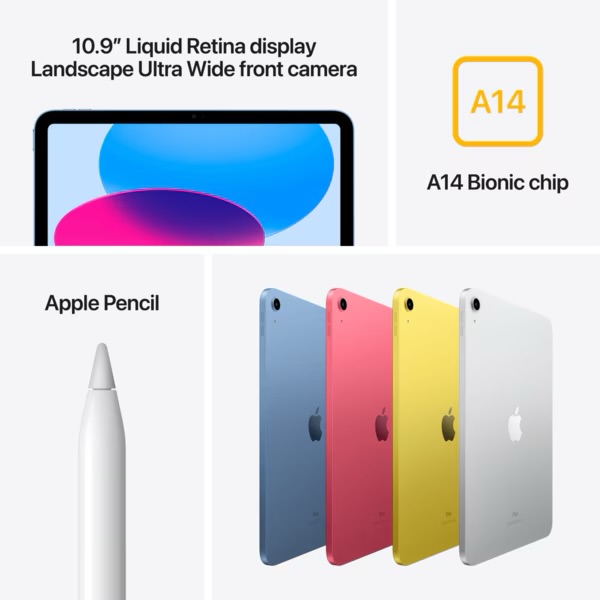
First thing is first we need to talk about how fast this thing is and will it handle all the demands that you will put it through as a working photographer. The short answer to that is yes sort of and I say that only because this iPad does fall short in one area when it comes to using it daily. The area that it falls short in is the editing of night images. The stacking of the stars is not up to the task when it comes to it. I think that someone just needs to make an app for the iPad and stacking the stars for us photographers and it will be fixed.
The only reason that I cannot stack the stars properly is because I have not yet learned how to really do that in Affinity photo yet. So there is a way to do that and it will take time for me to really dive in and figure it out. When it comes to working with 2000 images at once it can be done it is just going to be slower than working on a regular laptop. This is the two gripes that I have with working on a iPad that is the bottom of the barrel like the 10th gen.

When it comes to the speed of the device for opening up the apps it is faster than the M1 MacBook Air that I have and it just flies through the files like they are nothing. I have a program Photomator and it offers me everything that Lightroom does at a low price and it is mine for the lifetime of me using the app. The masking features that you get on the iPad are just as good as what Adobe gives you in Lightroom so there is that. The bonus is that the app also gives you AI denoise, and upscaling all on the iPad. I have used that on a file and it brought the image from 18 MP to 54 MP image and the iPad still edited the files like they were nothing at all.
Now with all that being said I have upscaled the same files on my M1 MacBook Air and it brought the computer to a crawl in Lightroom and in Luminar Neo. What I am trying to get at is while the mobile chipset that is powering the iPad 10th gen is older it is just amazing when using it in the real world. The lack of the amount of RAM is not stopping the tablet from completing the tasks that you want to with it. The only issue that I have found with the iPad is that you have to only work out of one app at a time if you don’t want to fill the RAM up and then have the app crash.
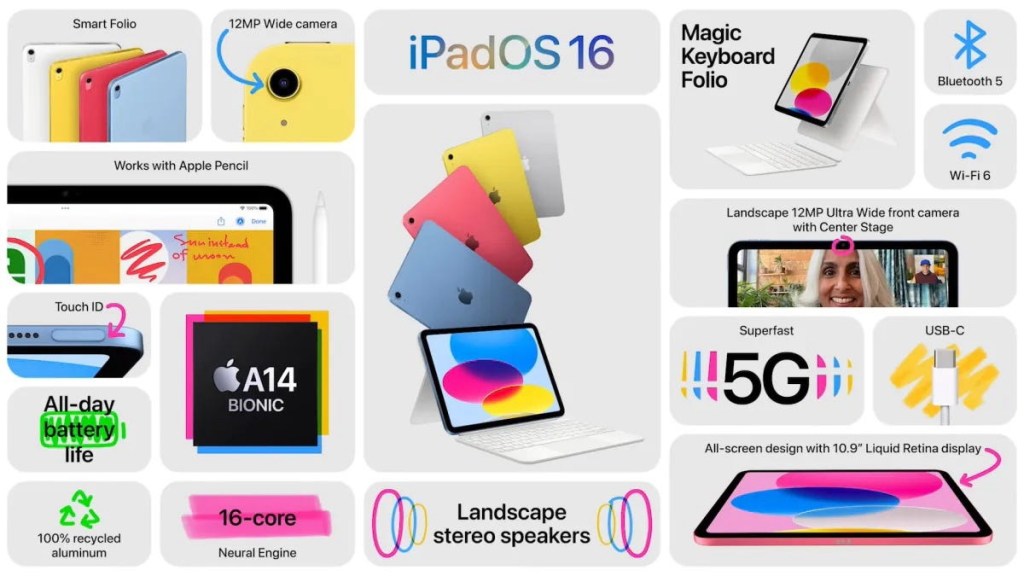
The way that you need to work with this device is different than what you are used to with a traditional laptop, desktop computer. You cannot think of using more than two apps at a time and if you are photo editing I would suggest to only use one app at a time. I have found that the iPad will give you a save point when the app is closed to come back to or it will just reopen the app and all the edits that you were doing will be saved.
Working with Affinity photo as my Photoshop replacement has been a game changer for me and I am still finding my way around it to the point that I am able to do all the basic tasks of focus stacking, HDR blending, Exposure blending, and even making composite art with the app. There is so much that you can do with a basic iPad that all the internet is telling you that you cannot do with it. They have even gone as far as saying that the 10th generation iPad is just for light work and web browsing.
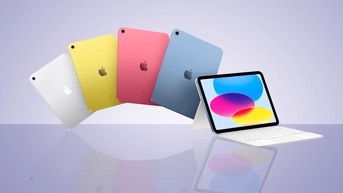
I can say that after two months of actually using it for my photography it is more than enough for a daily diver for this application. The iPad 10th generation is enough for you to use it as your main computer on the go or at the house. There is truly nothing that you cannot do on the iPad that you cannot do on the laptop if you find the work around for it within the apps that you have. Yes there is a learning curve to using it and the main stream is going to tell you that you cannot use the bas level iPad like a real computer and I say they are to picky when it comes to what and how to actually use a computer. I am in the camp that says if it does the job then it is good to go. Enjoy from St Johns AZ y’all
 LocalNavy433 Photography
Leave a comment