

Hello, and how the hell are you? If this is your first time here, thanks for stopping by.
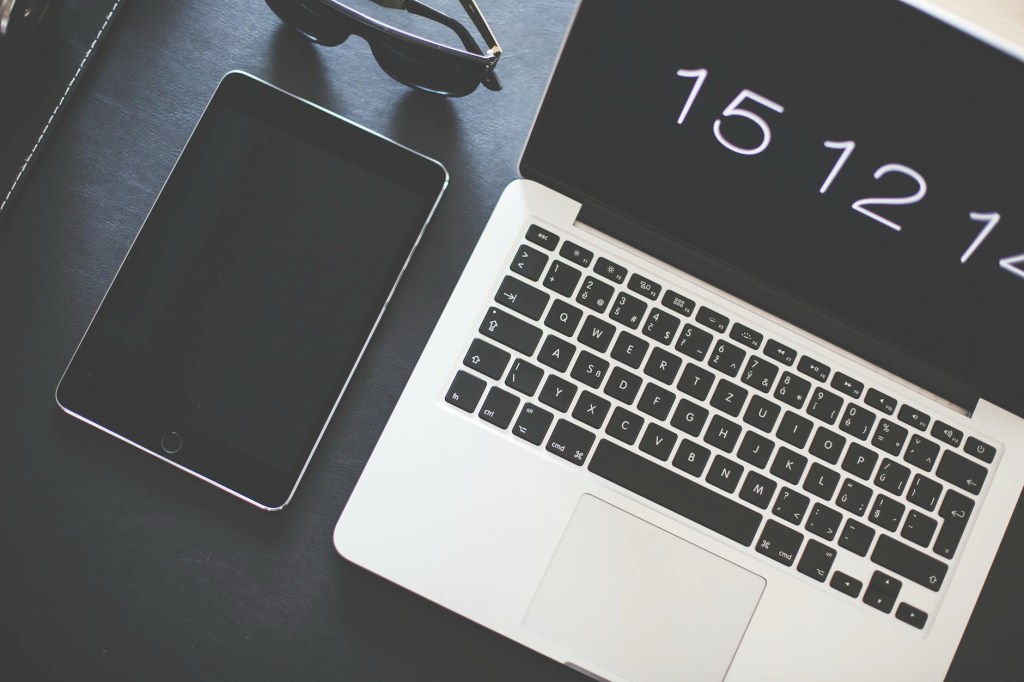
The year is 2025, and computing needs have changed drastically. The days of needing a full-on laptop are gone for most users. Sure, powerful devices still have a place, but how we use them has shifted. The advent of the smartphone changed everything—from how we communicate to how we compute. The touch interface is here to stay.
A Look Back at the iPad’s Journey
Back in 2010, this lovely little computer was introduced to the world. Was it the first of its kind? No, not even close. Was it the first to integrate a touchscreen with an operating system? Again, no. But what it did do was offer a smooth, fluid experience without the high-end tax of other “tablet” options.
Over the years, the iPad evolved into a computing powerhouse—still built on a mobile chipset but now capable of running desktop-like apps when used with traditional interfaces. Today, high-end iPads have desktop-level performance, and even the base models are more than capable.
Why the Base iPad Makes Sense in 2025
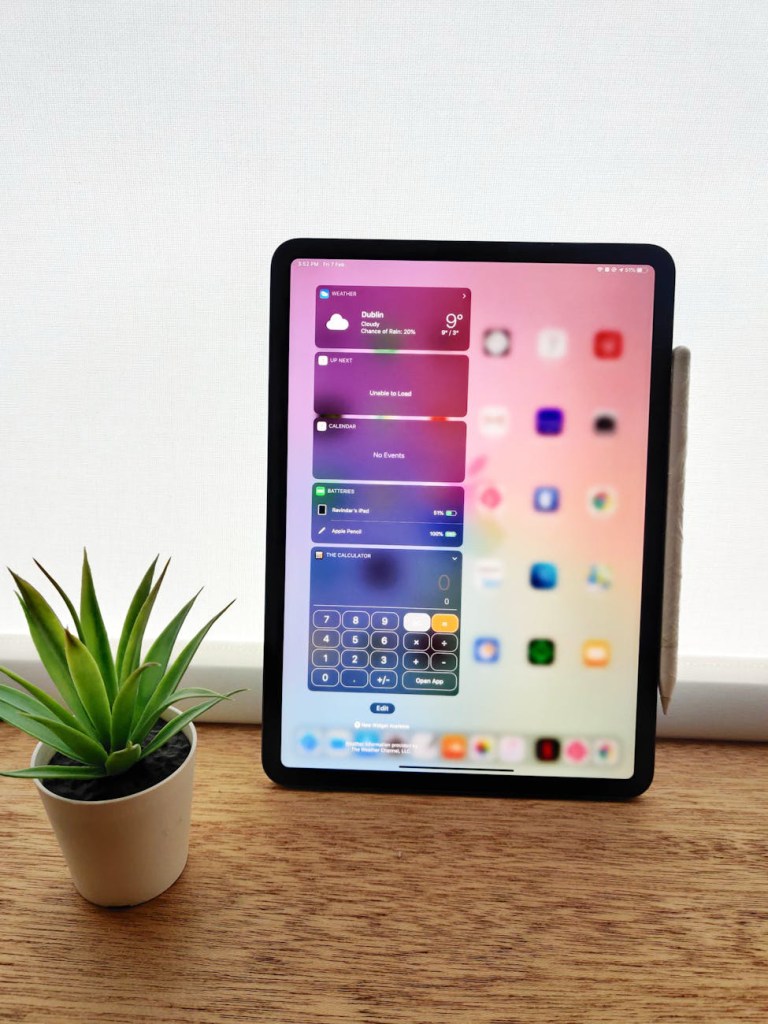
The 10th Gen iPad hits the sweet spot between power and efficiency. But let me be clear: this isn’t traditional computing. You have to let go of the old mindset—of desktop operating systems, multi-window workflows, and task management the way you’re used to on a laptop.
Sure, using multiple apps on a traditional desktop OS is fast and smooth. On the iPad, though, multitasking feels like an afterthought. That’s not a bug—it’s the design philosophy.
The Focus Advantage: One App at a Time
The iPad is meant for an immersive computing experience. Gone are the days of running four apps side by side. The iPad is designed around using one or two apps at a time. Maybe you’re listening to music or a YouTube video while working—cool. But try running four apps, and you’ll see it choke. The limited RAM in the base iPad just can’t hang. It’s like flooding an old-school carburetor.
But that’s not necessarily a bad thing.

The Power of Focus
You’ll actually get more done by focusing on a single task. For instance, I can write a blog post and still research in Safari. That focused approach? That’s where the iPad shines. And when I’m done working, the transition to relaxation is seamless. The same device that powers through work easily turns into a media powerhouse.
Whether I’m writing emails, drafting documents, or switching over to watch videos or play Fortnite, it all just flows. Gone are the days of needing a separate laptop, desktop, and gaming console. Can a laptop do all that? Maybe. But can it do it while weighing under 2 pounds and lasting all day on a hike? Nope.
On-the-Go Creative Power
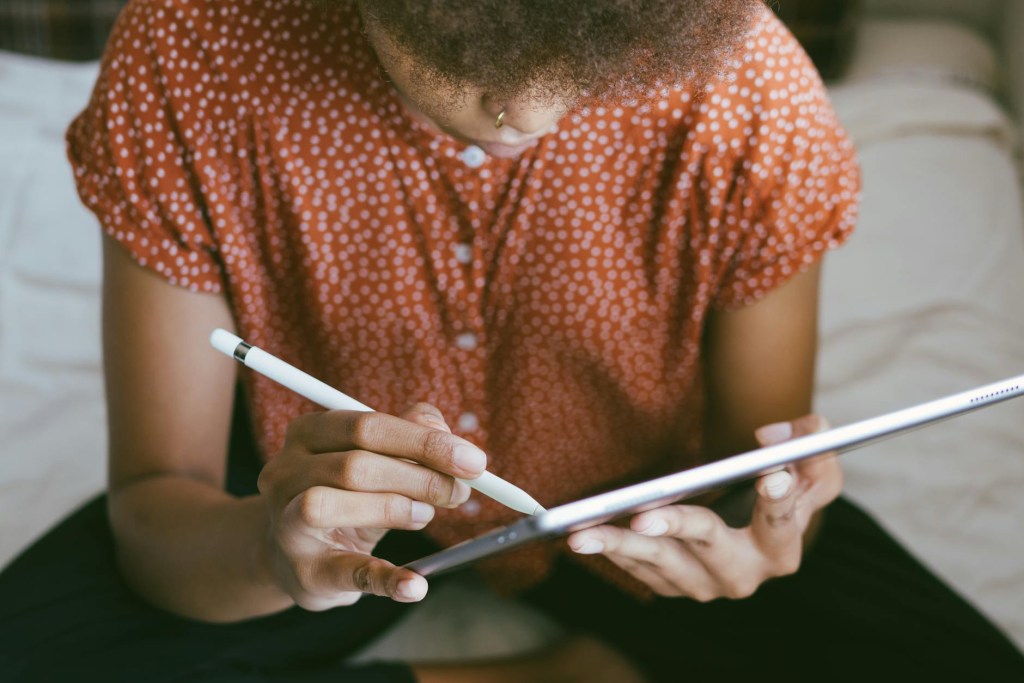
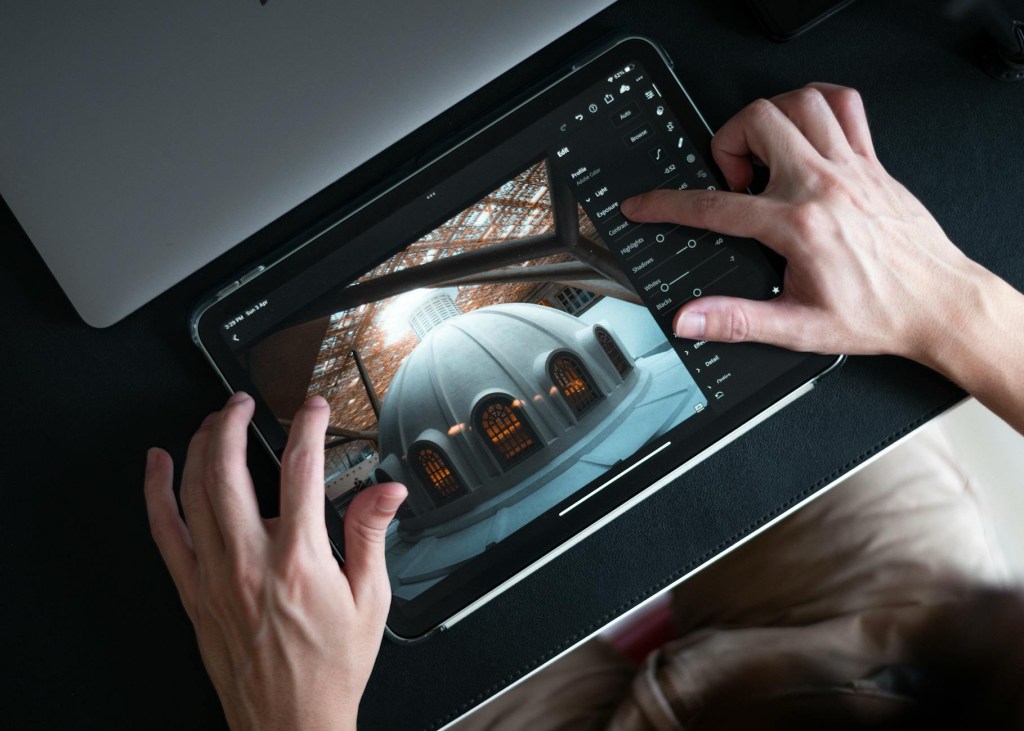
The iPad 10th Gen has enough horsepower to edit photos and videos on the trail. It’s mobile, powerful, and flexible. With today’s pro apps for editing and productivity, it’s hard to argue against it. Add a keyboard and pencil, and you’ve got a writing and editing setup that connects you to your device through touch interaction.
Touch Makes Computing Feel Natural
One thing Apple nailed? The touch interface. It feels natural to reach up and use your finger like a mouse. Humans connect with touch—it’s in our nature. Oddly enough, when I sit in front of my older laptop, I find myself reaching for the screen to move the cursor. That’s the shift: muscle memory is changing.
Using the iPad for complex tasks might feel off at first—because we’re trained to use computers a certain way. That’s the hurdle for most people. Apps have to be built differently for a touch-first OS, and that takes some mental rewiring.
Adapting to a New Workflow
I’m 46 as of writing this, and I’ll admit—adjusting was a chore. But once I learned how to navigate the new workflows, the iPad became a joy to use. People hate change, and rethinking the way we compute is a tough sell. Even simple things—like using the Files app—aren’t obvious. But with a quick YouTube search, you can find a tutorial that makes it all click.
Yes, I had to find workarounds to use core apps the way I was used to. But after a while, those workarounds just became business as usual. I’ve spent way more time just using the iPad than trying to figure it out.
In fact, when I go back to a traditional laptop? I’m the one who’s lost.
Wrapping It Up: Is the iPad Enough?
If you think the iPad can’t replace your laptop, I’m here to tell you—it absolutely can. The transition might take a little getting used to, but once you’re in, it’s smooth sailing. And honestly, if you’ve used a smartphone, you’re already familiar with Apple’s interface.
People used to laugh at the idea of a tablet replacing a computer. But now, in 2025, the iPad 10th Gen can absolutely be your main device—especially if you’re doing light to moderate computing.
For corporate tasks, content consumption, writing, and even casual gaming, the iPad gets the job done. And best of all? It does it without the baggage of a traditional laptop.
 LocalNavy433 Photography
Leave a comment