

Welcome and Intro

Why I Think the iPad Air M3 Is the Perfect Photographer’s Computer
In this blog, I am going to discuss why I truly believe the iPad Air M3 is the perfect computer for a photographer in general. There are two key reasons why the iPad Air is the better device for most photographers.
1. Transfer Speeds That Actually Matter
The first reason is the transfer speeds for uploading files to the iPad. The faster speeds allow you to get to work faster, which makes editing those photos happen in a more timely manner. The transfer speeds of the iPad 10 or iPad A16 (11th gen iPad) are so slow that it’s not even funny. Can you use those two iPads for photo editing? Yes, you sure can, but it will take twice as long—and when you are dumping a thousand images, it will take way too long.

2. Power and Performance from the M3 Chip
The second reason those two iPads are not good enough is the processors in them. They are mobile chipsets that lock down some key features in editing apps that are not supported. Can you still use the apps? Yes, you sure can—but the AI features in some of those apps for masking are not achievable with the A14 or the A16 chips. The chips are able to get 90 percent of the tasks done, but that last ten percent is key for having a good computer for photo editing. The apps will also run slower due to the mobile chipsets, but it’s not a deal-breaker for a beginner photographer.

M-Series on a Budget
The M-series chipset in the iPad Air brings the tablet to the pro level on a budget. I prefer using the iPad Air M3 over the basic iPad for the speed that you will get for working. The photo editing apps run smoother and faster on the iPad Air, giving me peace of mind knowing that I will get the job done. Having access to a top-of-the-line chipset for desktop- and laptop-level computing on a budget is where the iPad Air shines. The power of a real computer in a screen is amazing to me. “The sky is the limit” is what you would think—but there is a downside to using just a tablet instead of a traditional computer.
Limitations of the iPad (But Are They Really?)
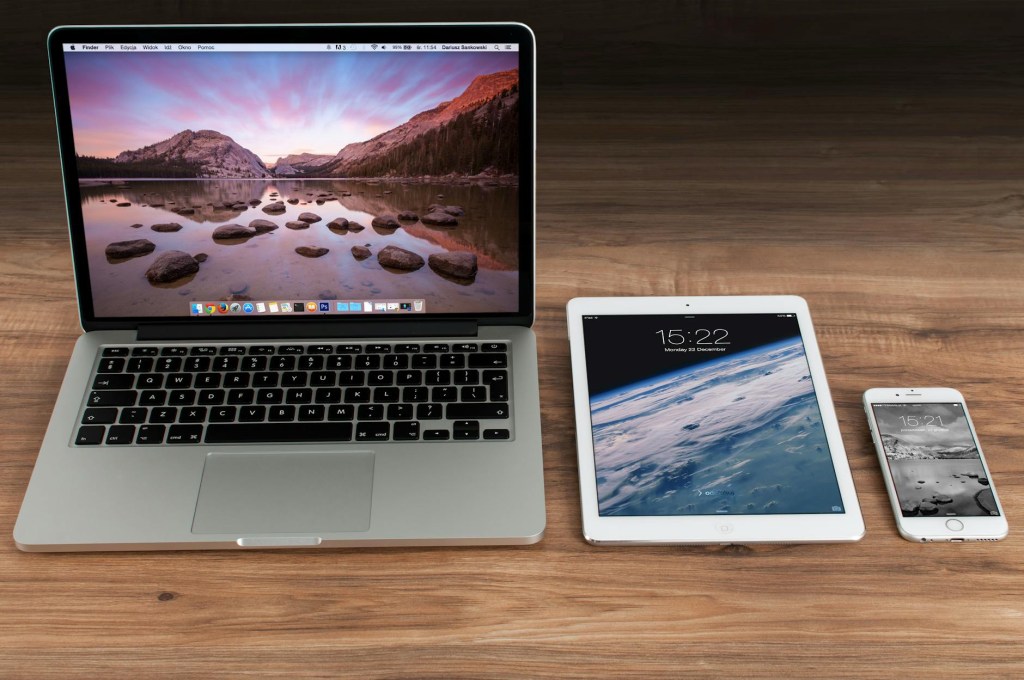
The downside is that the iPad apps are not as powerful as their desktop counterparts. This means that the iPad is actually being held back—or is it? I say it like that due to the fact that you can accomplish the same tasks as you can on a desktop or laptop. The difference is that you will have to get used to a touch interface. That finger is your mouse, and it is also your way of navigating the user interface—which, to me, is a more personalized way of computing. I have been trying to figure out what makes the iPad better, and it was right at my fingertips this whole time.
Why the Apple Pencil (or Logitech Crayon) Changes the Game
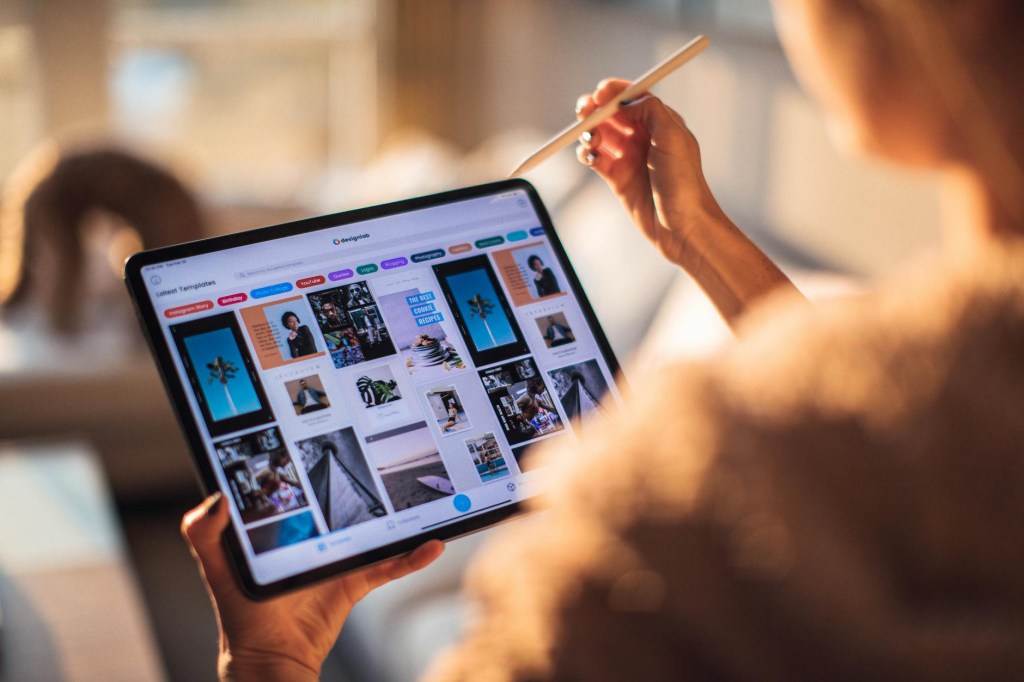
The other aspect that makes the iPad a better tool for photo editing is the Apple Pencil. This gives you more control when making a mask or just moving the sliders when doing global edits. This one tool gives me a sense of drawing the shadows and adding light to the images I am editing. The dodging and burning aspect is so much more fun with the Apple Pencil. Now, to be honest, I’m not actually using the Apple Pencil—I have the Logitech Crayon for my editing needs. The reason that I chose that pencil is because it reminded me of using a carpenter’s pencil from my younger days.
User Experience Is Everything
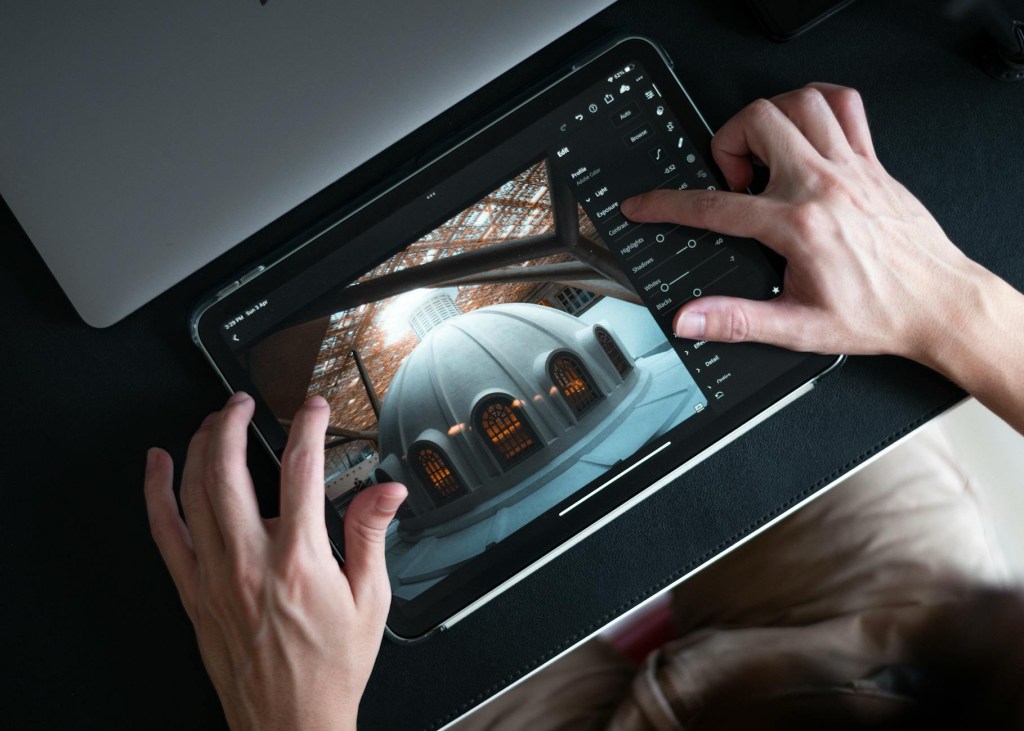
When it comes to using any computer, it comes down to one simple fact. User experience is the thing that either makes or breaks what computer you choose to use. The computer is the one tool that we all use for our daily work, and the choice on how we want to interact with our device comes down to how you want to work. For me, I can use either system and I will be able to complete my tasks. I choose to use the iPad because it makes working fun for me. I want to be comfortable while I am working on the images. For some people, the traditional way of computing is king—and for others, the touch interface is where it’s at. What camp do you fall into? Let me know in the comments.
Frequently Asked Questions
Can the iPad Air M3 replace a laptop for photographers?
Yes, for many photographers, the iPad Air M3 has the power and speed to handle full editing workflows, especially when paired with apps like Adobe Lightroom or Affinity Photo.
Is the iPad Air M3 good for photo editing?
Absolutely. With the M3 chip, fast file transfers, and Apple Pencil support, it’s a powerful and portable editing tool for both pros and beginners.
Which is better for photographers: iPad or laptop?
It depends on your workflow. If you prefer a touch interface and portability, the iPad wins. But for those who need full desktop apps, a laptop might still have the edge.
 LocalNavy433 Photography
Leave a comment