
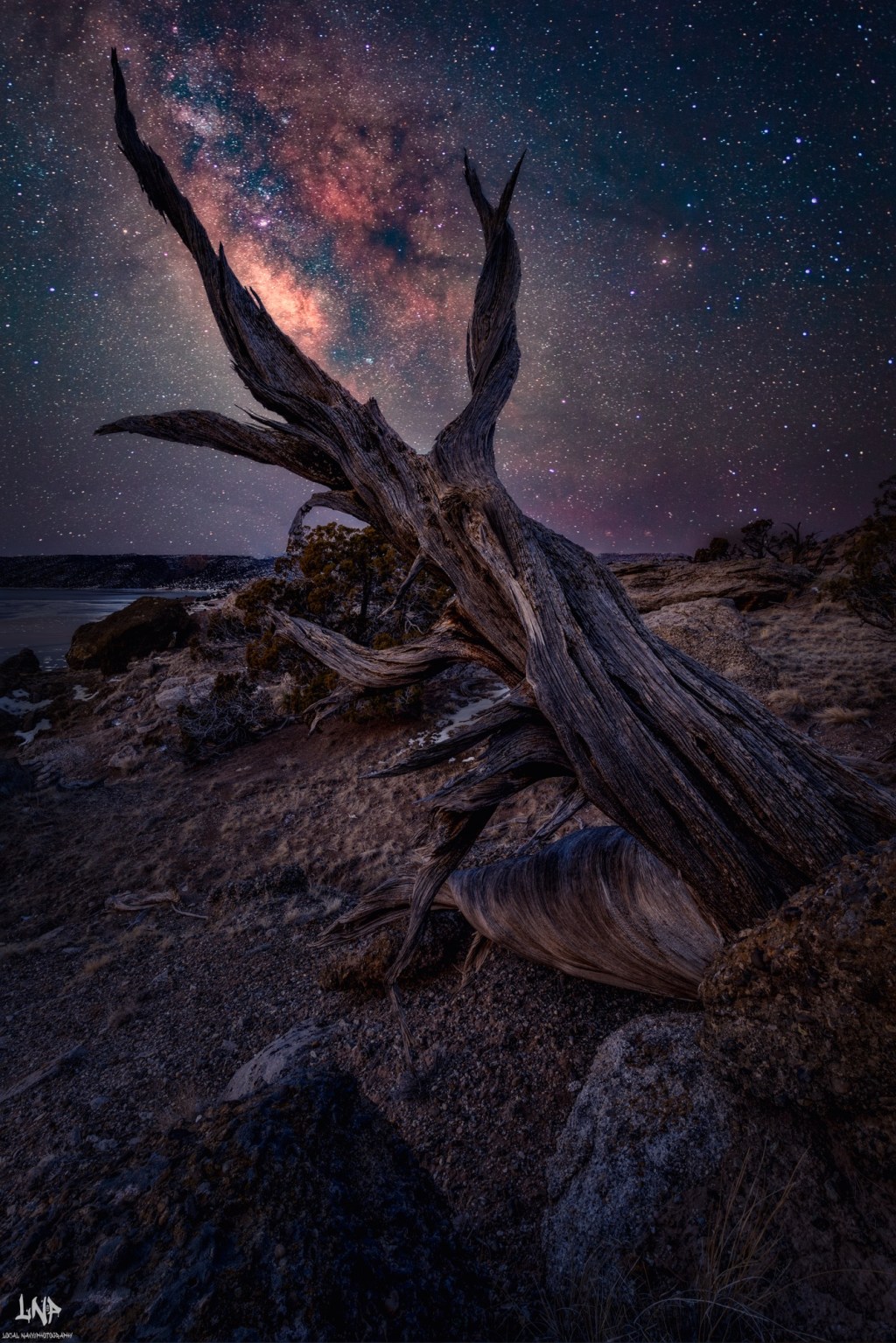
Hello and how the hell are you? If this is your first time here, thanks for stopping by. In this blog, we are going to talk about how to learn 80% of Milky Way Photography to get you started. If you are a seasoned photographer but have never taken the time to learn how to shoot the Milky Way, then you might learn a different perspective on shooting. I am going to cover the basics for shooting the Milky Way and how you can improve your shots.

To start with, when shooting the Milky Way, it’s all about the sky and how to get those night skies to expose correctly. This is different if you are shooting with a full frame and a crop body due to the size of the sensor and the math it takes to get your first exposure. I am going to give you an insider tip right out of the gate. You have to be in Manual Mode, and the proper settings that I use for any Milky Way shot on either system for me are as follows. ISO is going to be at ISO 6400. This is going to allow your camera to see in the dark right out of the gate. My shutter speed is going to be at 15 seconds, which is just slow enough to not let the stars trail in the photo. The aperture is going to be as low as you can get it, so at 18mm, you are going to be at f3.5, which is the lowest most kit lenses go, and it will be good enough to get you started. So that’s it, and all you need to know is set your ISO at 6400, your shutter speed to 15 seconds, and your f-stop to the lowest setting. There I am done, good luck, and have fun.
All joking aside, when it comes to shooting the Milky Way, it’s more about focus and how to achieve that in such low light. In the dark, the camera is not going to be able to focus, so you need to be in manual focus mode. You can achieve focus with three methods. The first being going out in the middle of the day and setting your lens to affinity, which is where everything is going to be in sharp focus, then tap the focus ring so it doesn’t move. This is a risk that you are going to take due to the moving the camera is going to do in the bag. So to me, that is not a great way to achieve focus later in the day.

Method two is going to be using a flashlight (torch) to see the foreground at night. Use the light to grab focus in the dark by focusing a third of the way in the frame to get focus throughout the image. This method is good because you can use your auto-focus to get that sharp stars. This method is my second favorite to use, and it helps when there are no bright stars in the night sky. For me, though, I prefer using the third method due to the reliability of it. Put your camera into live view and punch in on the brightest star in the night sky. When you are looking at the screen, you are going to get that star as small as you can on the screen.
The main issue with this method is going to come in a black screen that is not showing a star at all. This is not an issue due to the fact that you can take a flashlight and use the second method to get close enough for focus and refine it with that bright star. So the perfect method for focus at night is going to be using method 2 and 3 to get the best focus in the dark. By using the settings I gave you at the start of this blog, you can now take a test shot and see that you have gotten focus and you have a close exposure. This is where the fun starts for me at least.
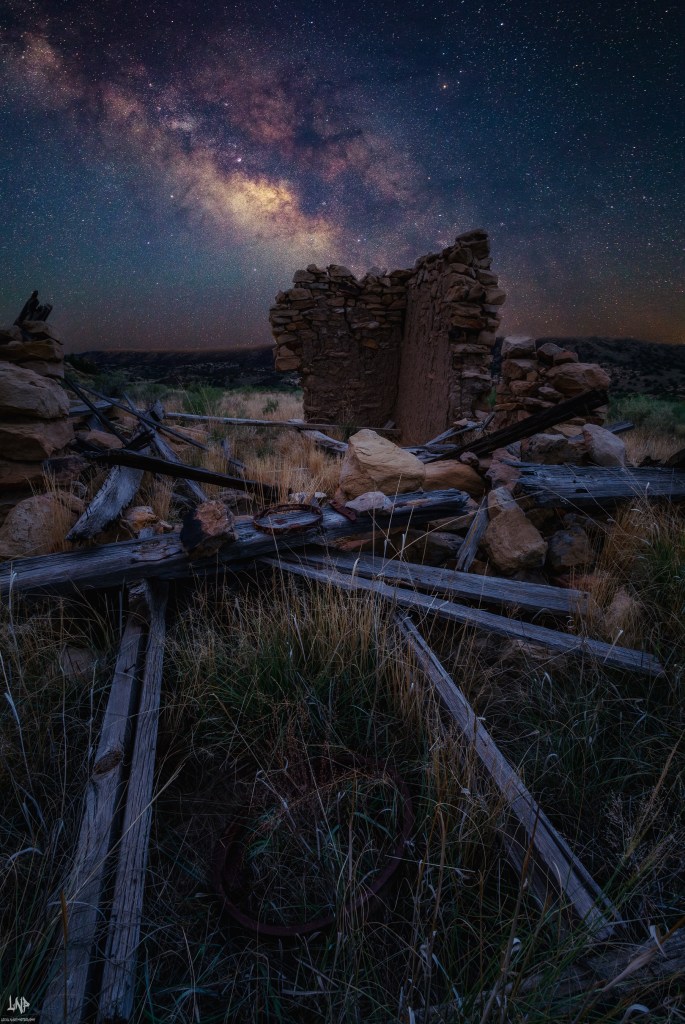
This is the point where you are going to see your first Milky Way image on the back of the screen. The issue is that you may see that it is too dark and you look at the histogram and it is all the way to the left and the stars are almost not there. This is the time to mess with the settings to refine the image. You cannot move the f-stop because it is already at the lowest value. So we can only play with two factors: the shutter speed and the ISO. Oh wait, the shutter speed is going to either stop the movement of the stars so we cannot really play too much with that. You can maybe move it to 20 seconds but then the stars are going to move way too much. You can then try and speed up the shutter speed to 13 or even 10 seconds but then the image is too dark. That leaves us with only the ISO to play with but then we are going to have a really grainy image when we are done with the shoot. So what are we to do then?
I say use the ISO and go to ISO 8,000 or ISO 10,000 and that’s it with the post-processing features. Today you can actually use the denoise feature and get a fairly clean image even at ISO 8,000. Don’t worry about the foreground or even the composition at this point because we are just trying to achieve getting the stars in the photo. You will find the settings I gave you at the start are going to get you 80% of the way to shooting and getting great images of the stars. So you read all the way down here just to find out I gave you the proper way to shoot the Milky Way to start with but I didn’t tell you that you have to have your camera on a tripod in order to achieve those longer shutter speeds lol got you.

Quick Milky Way Photography Checklist
Camera in Manual Mode
Mount camera on a tripod
Settings to start with:
ISO 6400
15s shutter speed
Lowest f-stop (e.g., f/3.5)
Focus in manual using:
Flashlight on foreground or
Live view zoomed in on bright star (best: combine both)
Take a test shot → check histogram
Adjust ISO (8000–10,000) if stars are too dim
Don’t stress composition at first → just capture the stars
Use post-processing denoise tools for cleaner images
 LocalNavy433 Photography
Leave a comment