
Hello, how the hell are you? If this is your first time here, thanks for stopping by. In this blog, I am going to answer the age old question of is the newer version better. I went with the older version of the iPad Air for ease of use and cost effectiveness. Those two reasons are why the M3 iPad Air is the best computer for me and this is after editing thousands of images over the last year alone. The newer version just gives you a slight spec bump making complex tasks faster but the day to day usage is still going to be the same for just about everyone. If you want the best bang for your buck go with the M3 iPad Air in 2026.
Ease of Use
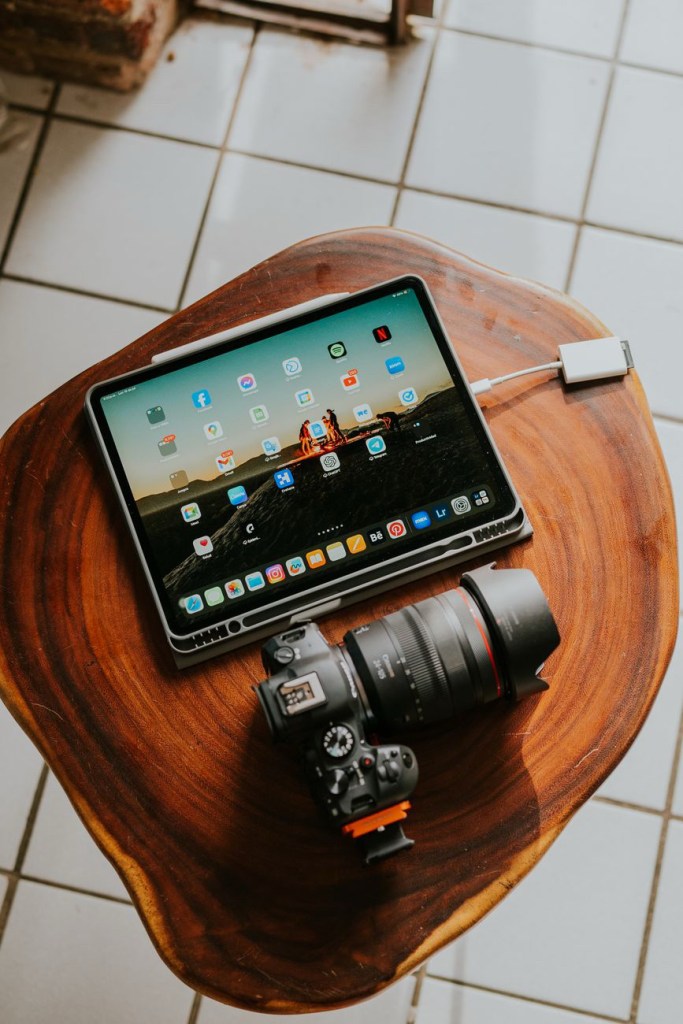
One of the biggest reasons that I bought the M3 iPad Air was the value that it offered me. You see, it being the middle of the road, you do suffer with the lower-end specs, like the screen not being promoted at 120Hz. Then you have the fact that it lacks the data transfer speeds that you would expect from a higher-end type computer. That all being said, it’s an iPad, so the day-to-day tasks you will not be suffering from speed due to the M3 chip that is running the show. That gives you an ease of use that is unmatched by any other tablet for this price point. The ease of use comes in by the way of the experience of day-to-day tasks being going to be the same as if you were using the iPad Pros.
Why the iPad and not a traditional laptop
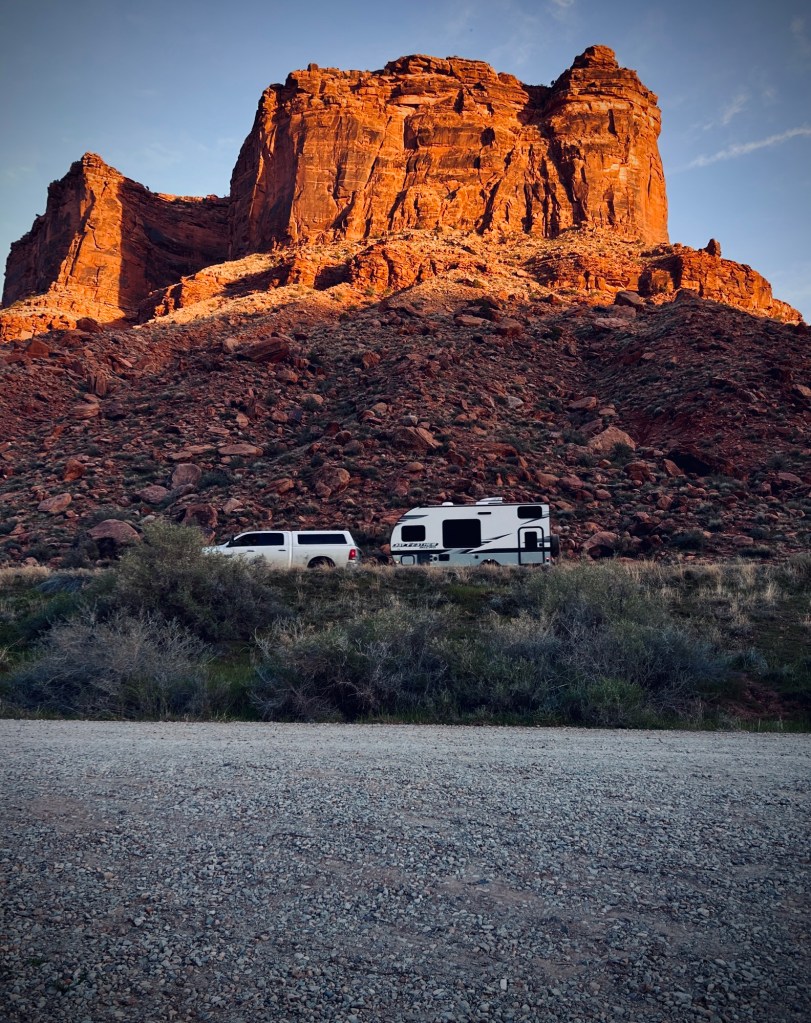
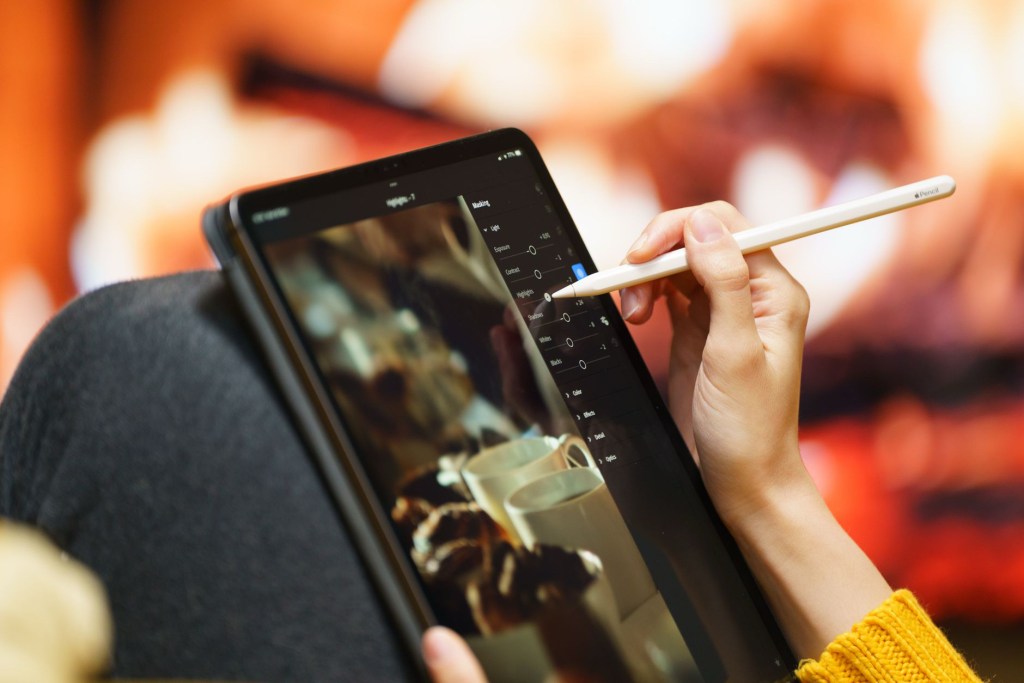
To start this off as a photographer, the traditional editing software of Lightroom and Photoshop is unmatched by sheer power and abilities to edit complex images for landscape photography. The iPad gives you one thing that the traditional computer programs lack, and that is the ability to edit anywhere that you want. You can lay in bed edit images or sit on the couch or at a park. The places are endless for you. You can even take the photos, upload them on the trail, and start the editing process right after taking the photos.
This was the game changer for me. To have all that power in just a screen means that it is lightweight and gives you more flexibility when out on location shooting. The main issue that you will run into is uploading to your home network while on location unless you opted for the cellular version of the iPad. Now that is a game changer for working on the images on the go. This right here is the number one reason that I bought the M3 iPad Air.

Power that could
The M3 iPad Air gives you eighty percent of the power that the newer iPad models have with a cost that screams budget but has the power of a real computer in just a screen. This alone is what makes it worth buying in 2026 for a photography workflow. I, for one, love the fact that I have in the last year never pushed it so hard that it crashes when trying to perform the tasks that you want to. As a photographer, there are times that I am uploading thousands of images to the iPad and the data transfer speeds are up to 10GB per second. This one thing alone is worth it when transferring a 20GB file in a matter of minutes. The feature seems to be the norm on most devices today, but when you are working with large amounts of data, then you will be happy that you bought the iPad.

Future-proofing the M3 iPad Air.
How long will the M3 iPad Air last you? That is the one question that I cannot answer for you, but if you took the time to spec out the iPad with as much storage as you can get, then you will be fine. I personally bought the M3 iPad Air that came with 256GB of onboard storage for the simple fact that I will have around 100 GB of storage for just working on photos. This is where the apps that you choose to work with either make or break the iPad experience. The ability to work off an SSD for editing your photos is a game changer, and the amount of storage you buy is not going to stop you.
Like I said, I have only 100GB free to work on the iPad, and transferring the large amount of data only one time, unlike Lightroom where you have to transfer from the SD to the iPad, then to Lightroom just to work on the images, is stupid if you ask me. I love Photomator because you only have to transfer the files to the SSD and work off that to get the most out of your storage options. This makes working on the images so much easier and speeds up the process even if it is only a few minutes.
The apps, it’s all about the apps.
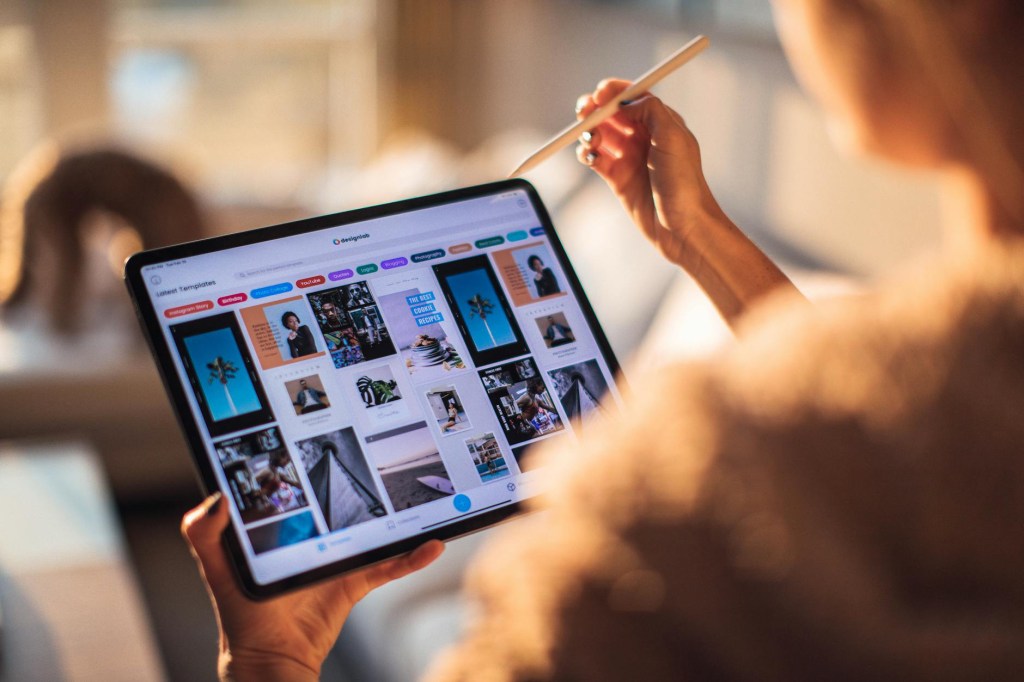
Once you have chosen the iPad model, you then need to look at the apps that you want to work with daily. The traditional apps for photo editing would be Photoshop and Lightroom. Which you pay for monthly, and then you are good to go. I have found over the last year that the M3 iPad Air can handle much more powerful editing apps than Lightroom CC and Photoshop for iPad. Those two apps are what the industry would say are the standard for photo editing even on the iPad. I mean, if you have done any research, they tell you that those are the apps to get. I truly believe they are saying that because those two apps are what the person is more familiar with.
Why try something new and why change the workflow if it’s not broken? So if that is the case and you like those two apps, then by all means use them; don’t let me stop you. The two apps that I have used over the past year that give me more desktop features are Photomator and Affinity Photo 2. They give me more options than what Lightroom CC and Photoshop for iPad give me. The ability to do focus stacking for macro shots and HDR blends is just amazing on Affinity Photo 2. The AI denoise and AI upscaling in Photomator are game changers. The only thing that is missing is the dehaze slider and the lens correction in Photomator. Other than that, I am not missing a thing from the desktop-level apps that I would normally be using. In fact, because I am using Affinity Photo 2, I am right at home because it offers 95 percent of the features that the desktop version offers, so there is nothing truly missing at all for Photoshop editing.
Battery life
When it comes to all-day usage, it depends on what you are doing. If you are photo or video editing, the battery tends to drain faster than normal, but it still gets me around six hours. If I am working with the dongle, then the battery can be plugged in but not charging. This is not a bad thing because I have been down to 23 percent, and it lasted for another four hours to finish off a video edit that I was working on. So I would say that for a normal day of watching videos, writing, and researching, the M3 iPad Air lasts me around eight hours, so not bad for just a slab of glass, right?
In conclusion
If you want a computer that has the power of working all day in a tablet form factor, then this cannot be beat for the value that you are paying for it. The current M4 iPad Air is the better choice for a working photographer; it gives you more RAM and better battery life, but if you want a better buy, get the M3 iPad Air; it will serve you for many years, and the fact is, it will not stop you from getting the images edited that you want.


Leave a comment